Figures You Can Trust
Refunds reduce what you spent instead of counting as income, transfers are left out, and every comparison is like for like — this month so far against the same days last month.
My Swift Budget turns your Actual Budget server into a calm, fast iPhone app. See where you stand in one glance, understand where the money goes, and tidy what still needs a category — while every figure stays between your iPhone and your own server.
Four places — Home, Transactions, Accounts and Analyses — and a handful of focused screens. Pick one to see it, with Demo Mode's sample budget.
Refunds reduce what you spent instead of counting as income, transfers are left out, and every comparison is like for like — this month so far against the same days last month.
Optional. Run them on the iPhone with Apple Intelligence, or through your own Claude subscription. The words come from the model; every number comes from your iPhone.
Your on-budget balance, this month's spending and your top categories on the Home Screen and the Lock Screen, in the app's language.
A copy of your budget stays on the iPhone, protected by iOS, so the app opens instantly and keeps working when your server is out of reach.
Ask your Actual server to fetch the latest from your banks, account by account, right from the Accounts screen.
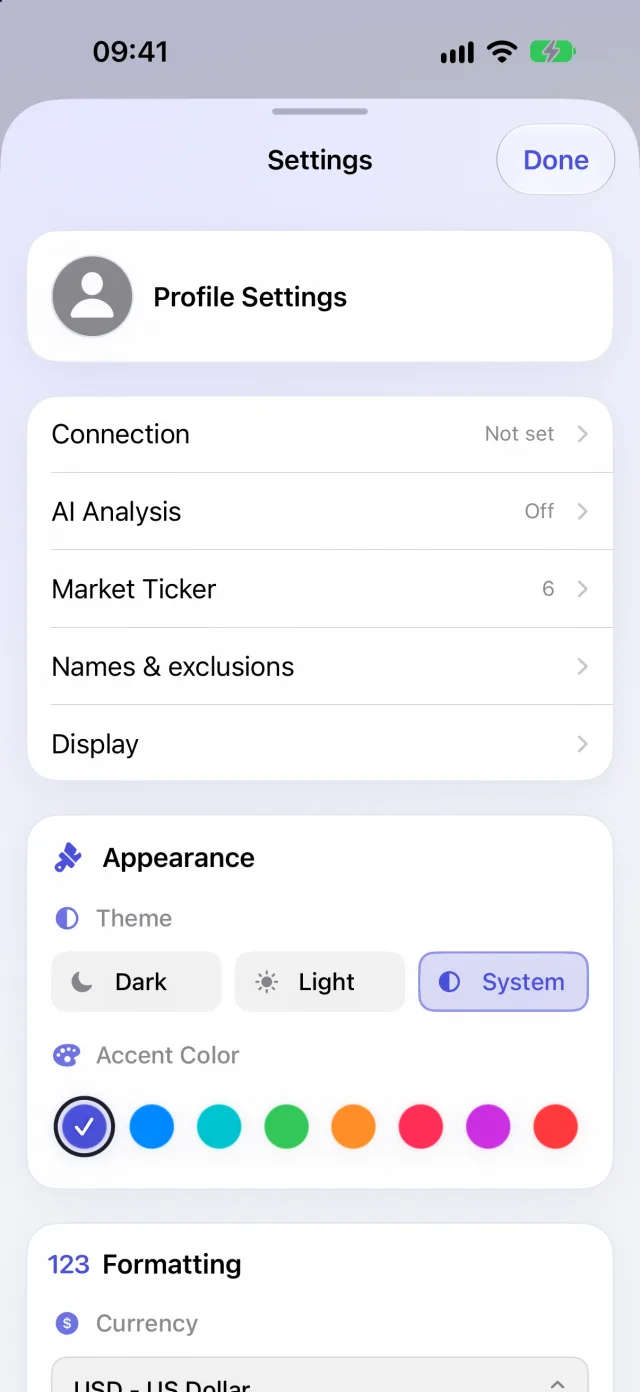
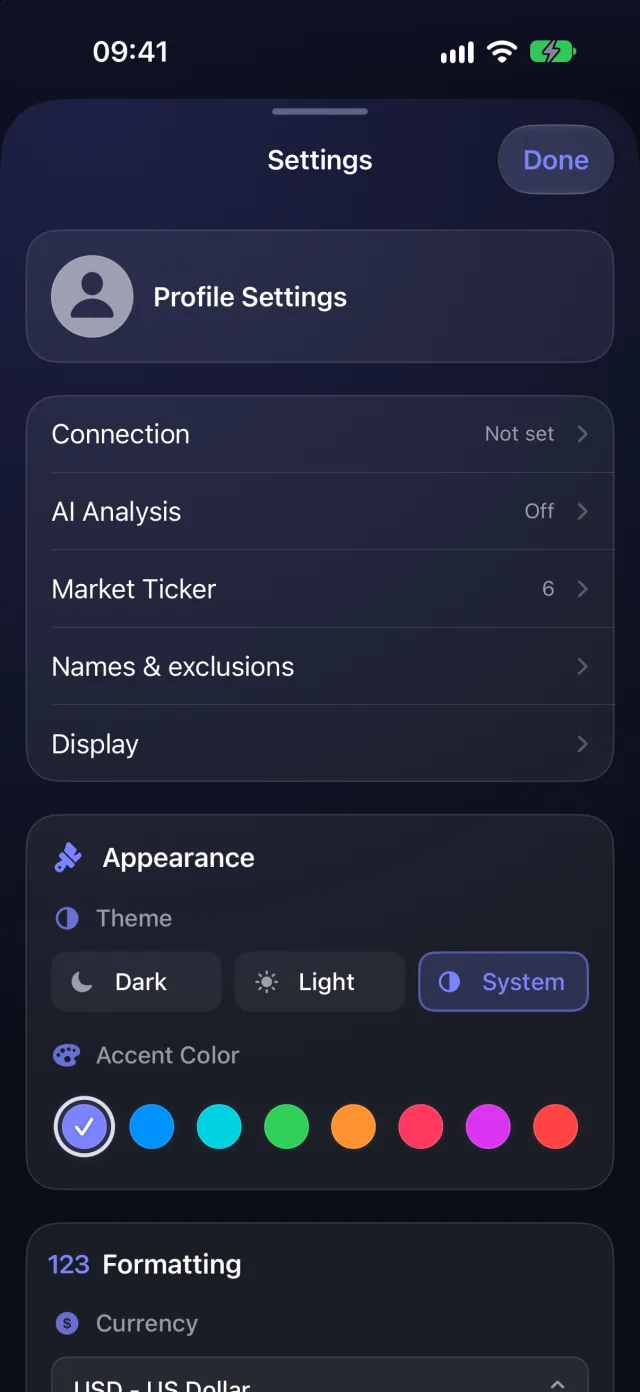
Light, dark or automatic, eight accent colours, your own names for categories, the accounts you leave out of net worth — and your settings backed up to a file you keep.
My Swift Budget is a client for Actual Budget, the open-source budgeting app you host yourself. It talks to your server through the open-source Actual HTTP API — there is no My Swift Budget cloud.
Your Actual server, with the open-source HTTP API next to it. Your budget already lives there.
Enter the server's address, its API key and your budget's ID — plus its password if your budget is encrypted. Secrets go straight into the iPhone's Keychain.
Balances, analyses and To Review update from your server. You change payees and categories; nothing else is ever written.
The developer runs no server for the app and receives none of your data. A few optional features talk to services you choose; the privacy policy lists every one of them, what is sent, and how to turn it off.
Read the Privacy PolicyYes, to use your own budget: My Swift Budget is a client for a self-hosted Actual Budget server with its open-source HTTP API. You can explore the whole app without one in Demo Mode.
No, on purpose. Transactions come from your bank through your Actual server. The app lets you set a transaction's payee and category — and create payees and rules from To Review — but never adds, deletes or alters amounts.
No. There is no account, no analytics and no server run by the developer. The app talks to your Actual server and, for the optional market ticker, asks Yahoo Finance for the prices of the instruments you chose — symbols only.
It is off until you turn it on. On-device, Apple Intelligence runs everything on the iPhone. With Claude Pro, requests go through a small relay you run on your own network to your own Claude subscription: insights send anonymised facts — kinds of events, ratios — and the AI review of To Review, only when you tap it, sends bank labels with every number masked. The privacy policy details both. The app never shows a figure written by a model.
It shows your last synced budget anywhere, from the copy kept on the iPhone. Fresh data needs your server to be reachable — for instance through your VPN or an https address you publish.
English and French, switchable in the app, and the currency and decimals of your choice.

No sign-up, no trackers, no clutter. Just your budget, on your iPhone.
Download on theApp Store